🔍 Read the full analysis: AI For Your Home: A Guide To Choosing Automation Devices on ThorstenMeyerAI.com

Get smart everyday buys delivered free with Prime
- Fast, free delivery on millions of items
- Prime Video, Amazon Music and more included
- Member-only deals all year
TL;DR
ThorstenMeyerAI.com has published a beginner’s guide to setting up a small smart-home system, covering compatibility, account security, privacy and basic automations. It recommends starting with a low-risk device, such as a lamp, and checking each product’s network, hub and platform requirements before purchase.
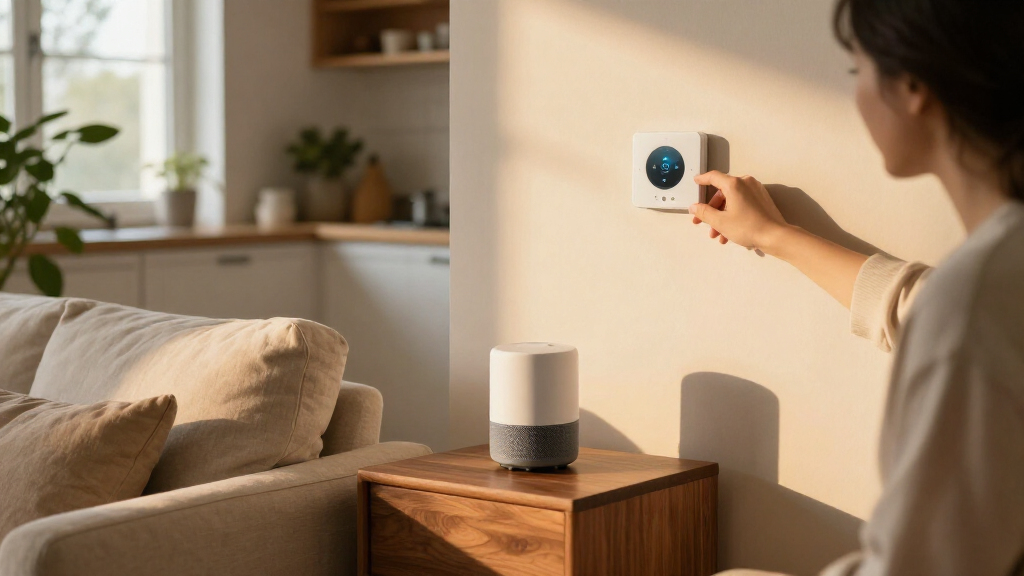
ThorstenMeyerAI.com has published a beginner’s guide to choosing and setting up home automation devices, from smart speakers and lights to thermostats and plugs. The guide focuses on compatibility, account security and privacy as households connect devices that can respond to voice commands, schedules or supported sensor events.
The guide estimates that setting up a small system takes 45 to 90 minutes, depending on the number of devices and whether apps need updates. It says users will generally need a smartphone or tablet, the manufacturer’s app, a compatible device and its power supply, home Wi-Fi credentials, and access to the relevant platform account. Some products also require a hub.
Before buying, the guide advises checking the product page or packaging for platform, hub, Wi-Fi band and regional compatibility. It cautions that voice control does not necessarily mean a device supports every automation or AI feature offered by a platform. A product may require 2.4 GHz Wi-Fi or a specific hub, so buyers should confirm requirements for the exact model.
For first-time users, the guide recommends starting with a low-risk device such as a lamp, rather than a lock, alarm, heater or other equipment that can affect safety or access. Its setup steps include using the manufacturer’s official app, installing device and app updates, connecting to the required network or hub, and giving each device a short, distinct name and a room assignment. It also advises reviewing permissions, voice recordings, activity history, data sharing and cloud processing before turning on optional features.
Compatibility and Privacy Before Setup
Smart-home devices can be difficult to use together when their platform, network or hub requirements differ. Checking those details before purchase can help households avoid buying equipment that cannot join their existing setup or support the routines they want.
The guide also highlights that automation can extend beyond convenience. Devices such as locks, alarms and heaters may affect access or household safety, while microphones, cameras and connected services can collect or process user data. Its advice to start with a lamp and review privacy controls gives beginners a lower-risk way to learn the system before expanding it.
Account security is another practical concern: the guide recommends a unique password and multifactor authentication where available, along with router updates and WPA2 or WPA3 security settings. These are general setup recommendations, not a guarantee that a device or network is secure.
Products Worth Considering

Samsung Essential S3 27-Inch FHD Curved Monitor (S36GD)

Apple Mac mini (2026) with M6 chip

Vari ComfortEdge Electric Standing Desk, 60 x 30 in, Walnut/Black
As an affiliate, we earn on qualifying purchases.
A Small-System Setup Plan
The source presents the material as a how-to guide rather than a report of a product launch or policy change. It is aimed at people assembling a small system with a phone and home Wi-Fi, and walks through device selection, account preparation, pairing and basic privacy settings.
The guide also includes editorial recommendations for Hubitat, SwitchBot and Green. It says Hubitat is its preferred choice when local, multi-protocol automation and subscription-free AI-assisted routine building matter more than beginner-friendly setup; it favors SwitchBot for camera-aware, chat-based control and bundled storage if subscription costs and device limits suit the buyer; and describes Green as a quiet, expandable local automation base. These are the source’s assessments, not independently verified comparative test results. The page discloses that it earns commissions from qualifying Amazon purchases.
“We recommend Hubitat as the best overall choice when local, multi-protocol automation and subscription-free AI-assisted routine building matter more than beginner-friendly setup.”
— ThorstenMeyerAI.com
Features Vary by Device and Service
The guide does not provide independent test results, a detailed methodology for its product recommendations, or a publication date. Its comparisons should be read as the site’s editorial verdicts; the source also discloses that it may earn commissions through Amazon purchases.
Specific requirements and privacy practices depend on the device model, platform and service. The source does not establish that every listed product supports the same automation features, handles data in the same way, or works with every home network. Whether a device processes commands locally or sends voice, sensor or usage data to a cloud service must be checked against the manufacturer’s current documentation and settings.
Check Requirements Before Pairing
Readers planning a setup should first choose one task, confirm the exact device’s compatibility and network requirements, and check whether a hub or subscription is needed. They can then prepare the official app, account and Wi-Fi credentials, update the device, and test one simple automation before adding more equipment.
For any later expansion, the guide’s practical next step is to review privacy and household-access settings again, especially when adding cameras, microphones or devices that control heat, entry or alarms. Product features and service terms can change, so buyers should verify current details with the manufacturer before purchasing.
Key Questions
How long does a basic smart-home setup take?
ThorstenMeyerAI.com estimates 45 to 90 minutes for a small setup. The time depends on how many devices are added and whether apps require updates.
What should I check before buying a smart device?
Check compatibility with your chosen platform, whether the device needs a hub, its required Wi-Fi band, and any regional restrictions. Confirm support for the specific routine or AI feature you want, rather than assuming voice control includes every feature.
Which device should a beginner set up first?
The guide recommends a low-risk device such as a lamp. It advises leaving locks, alarms, heaters and equipment that can affect safety or access until users understand their system.
How can I review a device’s privacy settings?
Look in the app for settings on voice recordings, activity history, data sharing and cloud processing. Check when cameras or microphones are active and whether the device has a physical privacy control.
Are the guide’s product recommendations independent test results?
The source provides editorial recommendations but does not include comparative test methods or results in the supplied material. It also says it earns commissions from qualifying Amazon purchases, so readers should review current product details and terms before buying.
Source: ThorstenMeyerAI.com