If you’re choosing between an encrypted external hard drive and a NAS for your documents, both can be secure but in different ways. An external drive offers physical security and encryption for portability, but it relies on your precautions for backup and redundancy. A NAS includes built-in security features, user permissions, and redundancy options like RAID, making it more resilient. To find out which option suits your needs best and how to maximize their security, keep exploring the details.
Key Takeaways
- NAS devices typically offer built-in encryption, user permissions, and redundancy, providing higher data protection for documents.
- External hard drives require physical security and encryption, but lack automatic redundancy, making recovery more challenging.
- NAS systems enable remote management and access, increasing security control over document access and sharing.
- Encrypted external drives protect data physically and can be easily transported, but are more vulnerable if lost or stolen.
- Overall, NAS with redundancy and security features generally offers a safer environment for storing and managing documents.
When it comes to safeguarding your valuable data, choosing between an encrypted external hard drive and a Network Attached Storage (NAS) device can seem intimidating. Both options offer significant security benefits, but they serve different needs and come with unique advantages. An encrypted external hard drive is portable, straightforward, and ideal for personal use or small-scale backups. It allows you to physically store your documents securely, especially when it’s encrypted to protect against unauthorized access. If you’re looking for quick data recovery or need a reliable way to transport files safely, this device can be a smart choice. Plus, with the addition of cloud backup options, you can ensure your data has a remote copy, adding an extra layer of security in case the hard drive gets lost or damaged. Cloud backup lets you access your data from anywhere and provides an emergency fallback if your primary storage fails.
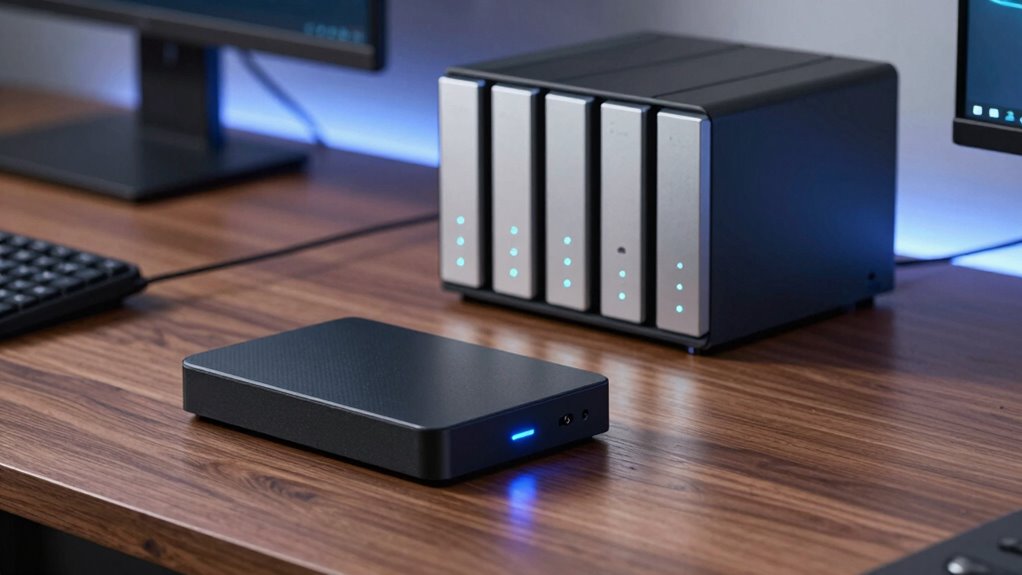
On the other hand, a NAS device acts as a centralized storage hub for multiple users or devices. It’s perfect for small businesses or households with several members who need constant access to shared documents. The NAS can be configured with multiple drives, offering redundancy through RAID setups, which means even if one drive fails, your data remains safe. This setup not only boosts data security but also simplifies data recovery, as you can restore lost or corrupted files directly from the NAS. Unlike an external hard drive, which requires physical connection, a NAS operates over your network, allowing seamless remote access—ideal for remote work or accessing files on the go. Its built-in security features, like encryption and user permissions, help prevent unauthorized access, making it a safer option for sensitive documents. Additionally, encryption standards play a crucial role in maintaining data security across both devices. Implementing regular security updates further enhances protection against emerging threats. Moreover, the ability to implement user access controls on a NAS provides an extra layer of security by restricting who can view or modify specific files. Furthermore, understanding the differences in security features between these storage options helps you better evaluate which is the most appropriate for your needs.
When evaluating which device is safer for your documents, consider how you plan to use it. If portability and quick access are priorities, an encrypted external hard drive combined with cloud backup for off-site protection might be best. But if you need a shared, scalable, and continuously accessible storage solution with robust data recovery options, a NAS offers comprehensive security features. Both options support encryption to protect your data in case of theft or hacking attempts, but they differ in how they handle data recovery and remote access. The external drive’s simplicity makes it easy to secure physically, while NAS systems excel at providing ongoing protection, redundancy, and remote management. Ultimately, choosing the safer option depends on your specific needs, but understanding these differences helps you make an informed decision.

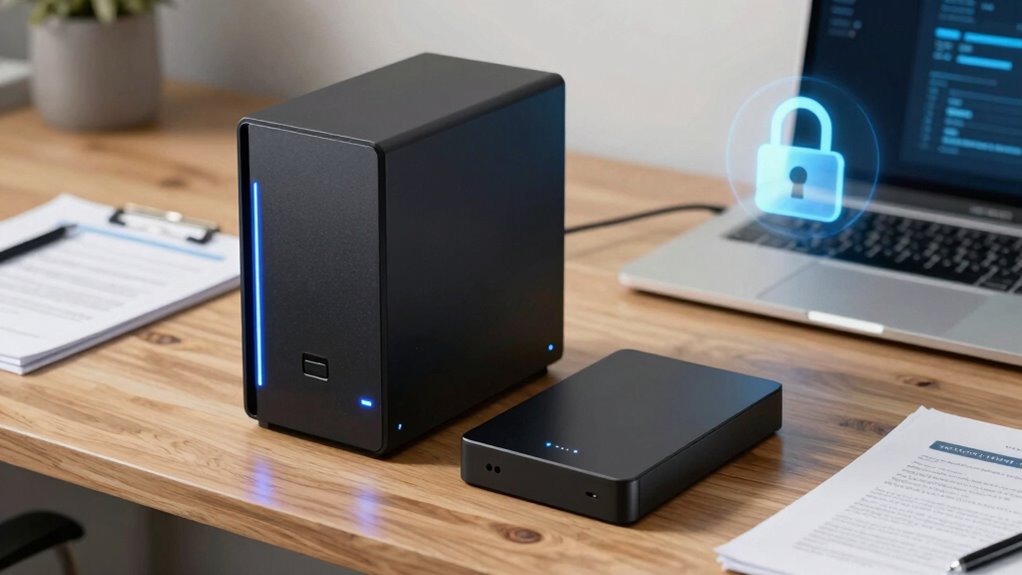
Apricorn 2TB Aegis Padlock USB 3.0 256-Bit AES XTS Hardware Encrypted Portable External Hard Drive (A25-3PL256-2000)
Hardware encrypted drive
As an affiliate, we earn on qualifying purchases.
As an affiliate, we earn on qualifying purchases.
Frequently Asked Questions
Can Both Devices Withstand Physical Damage Equally?
Both devices vary in hardware durability and physical resilience. External hard drives are typically more vulnerable to drops, shocks, and environmental damage because they’re portable and less protected. NAS devices, often housed in sturdy enclosures and installed in secure locations, withstand physical damage better. However, neither is completely damage-proof. You should consider additional protective measures like shockproof cases for drives and secure placement for NAS units to guarantee maximum safety.
Which Option Offers Better Data Recovery Options?
A NAS generally offers better data recovery options because it supports data backup redundancy, like RAID configurations, which protect against hardware failure. While encrypted external hard drives rely on data encryption for security, they don’t usually include advanced backup features. With NAS, you can set up automatic backups, making data recovery easier if something goes wrong. This redundancy guarantees your documents stay safe and accessible, even after hardware issues.
Are There Any Power Consumption Differences?
Yes, there are power consumption differences. External hard drives generally use less energy, making them more energy-efficient for occasional use. NAS devices, however, often feature advanced power management settings, allowing them to reduce energy use during idle times. If you prioritize energy efficiency, an external hard drive might be better. But if you need continuous access with optimized power management, a NAS offers smarter power consumption options.
How Do They Compare in Terms of Setup Complexity?
Setting up an encrypted external hard drive is straightforward, usually involving simple encryption software and a user-friendly interface. NAS setups tend to be more complex, requiring network configuration, user permissions, and multiple device integrations, which can be challenging if you’re not tech-savvy. While both prioritize encryption security, the external drive offers a quicker, less complicated setup, whereas NAS provides more advanced control but demands more technical knowledge.
What Are the Cost Differences Over Time?
You might be surprised, but in the long run, an encrypted external hard drive usually costs less than a NAS. A cost analysis shows that external drives have a lower initial price and minimal ongoing expenses, making them budget-friendly. Meanwhile, NAS devices often have higher upfront costs and maintenance fees, including electricity and potential replacement parts. Your budget considerations should weigh these ongoing costs against your storage needs and security priorities.
NAS device with RAID and encryption
As an affiliate, we earn on qualifying purchases.
As an affiliate, we earn on qualifying purchases.
Conclusion
So, which option truly keeps your documents safer—an encrypted external hard drive or a NAS? While both offer strong protections, the choice isn’t straightforward. Each has its vulnerabilities that could be exploited, leaving your data exposed in unexpected ways. The real question is, are you prepared for the unforeseen risks lurking beneath the surface? Think carefully. Sometimes, the safest option might surprise you—if you know where to look. The decision could change everything.

WD 6TB My Passport, Portable External Hard Drive, Black, Backup Software with Defense Against ransomware, and Password Protection, USB 3.1/USB 3.0 Compatible – WDBR9S0060BBK-WESN
World’s First 6TB 2.5” Portable Hard Drive
As an affiliate, we earn on qualifying purchases.
As an affiliate, we earn on qualifying purchases.

UGREEN NAS DH2300 2-Bay Desktop NASync, Support Capacity 64TB (Diskless), Remote Access, AI Photo Album, Beginner Friendly System, 4GB RAM on Board,1GbE, 4K HDMI, Network Attached Storage(Diskless)
Entry-level NAS Personal Storage:UGREEN NAS DH2300 is your first and best NAS made easy. It is designed for…
As an affiliate, we earn on qualifying purchases.
As an affiliate, we earn on qualifying purchases.