
Impersonation scams often use urgent threats or manipulative language to pressure you into sharing personal details or making payments, like via gift cards or wire transfers. They fake official IDs, websites, and contact info to appear legitimate. Scam messages may claim legal problems or fake tech issues, pushing quick actions. Recognize signs like suspicious language, poor security features, or unexpected remote access requests. Stay alert—if you want to learn how to identify these scams more effectively, keep exploring these tactics.

Get smart everyday buys delivered free with Prime
- Fast, free delivery on millions of items
- Prime Video, Amazon Music and more included
- Member-only deals all year
Key Takeaways
- Watch for urgent, threatening language that pressures quick decisions, like threats of arrest or account suspension.
- Inspect IDs and credentials for poor quality, missing security features, or mismatched details.
- Verify contact info and website URLs directly through official sources before trusting communications.
- Be cautious of fake payment requests via gift cards, wire transfers, or cryptocurrencies, and confirm through trusted channels.
- Recognize deepfakes and suspicious remote access requests by verifying identities through official contacts before sharing sensitive info.
ID verification security features
As an affiliate, we earn on qualifying purchases.
As an affiliate, we earn on qualifying purchases.
Recognizing Urgent and Threatening Language
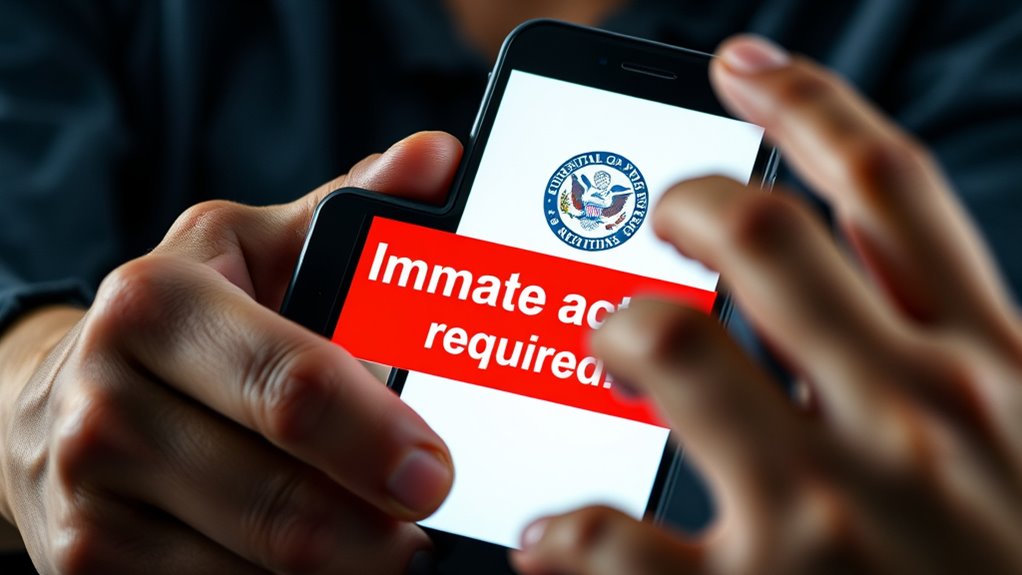
Impersonation scammers often rely on urgent and threatening language to pressure you into acting quickly without thinking. They’ll claim you have a limited time to fix a problem, like your account being hacked or facing arrest. Phrases such as “Immediate action required,” “Your account will be suspended,” or “Legal trouble is pending” are designed to create panic. The goal is to override your judgment and push you to make rash decisions, like wiring money or sharing personal info. They may also threaten job loss, fines, or jail time to increase fear. Recognizing these tactics helps you stay calm and skeptical. Remember, legitimate organizations rarely demand quick payments or sensitive details during a crisis. Stay cautious and verify independently before responding. Being aware of personal wellness needs can help you maintain clarity and resist manipulation during stressful situations. Additionally, understanding common scam tactics can further strengthen your ability to identify and avoid these threats.
As an affiliate, we earn on qualifying purchases.
Spotting Fake Official Identification and Credentials

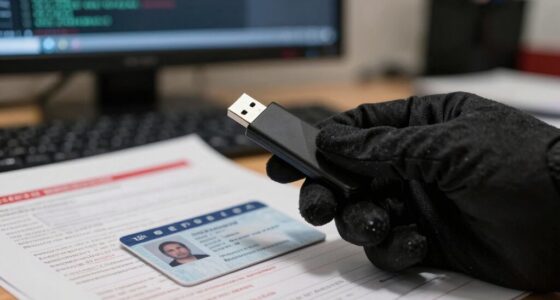
When reviewing official identification, examine security features like holograms, watermarks, and microtext carefully. Always verify contact details directly with the organization through trusted channels before trusting credentials. Be alert for common impostor signs, such as poor image quality, inconsistent logos, or missing security marks that reveal a fake.
Inspect Security Features Carefully
To protect yourself from scams, it’s essential to scrutinize official identification and credentials carefully. Look closely at the security features, such as holograms, watermarks, microtext, and color-shifting inks. Authentic IDs often include embedded images or patterns that are difficult to reproduce. Check for spelling mistakes, blurry logos, or inconsistent fonts, which are common signs of fake documents. Use a flashlight to verify watermarks or embossed elements. When in doubt, compare the ID to official samples from the organization’s website or contact the issuing authority directly. Don’t rely solely on the appearance; verify the credentials through official channels. Remember, scammers often imitate official IDs, but subtle security features can reveal their deception. Always double-check before accepting any identification. Additionally, examining the safety features of electronic devices like heated mattress pads can help ensure they are genuine and safe to use. Being aware of these security features can significantly reduce the risk of falling for impersonation scams. Incorporating mindfulness techniques, such as focused observation, can further enhance your ability to detect inconsistencies or anomalies in official documents. Recognizing document security measures can also aid in differentiating authentic IDs from counterfeit ones. Moreover, staying informed about the latest security technologies used in official documents can help you spot new methods scammers might employ.
Verify Contact Details Independently
Always verify contact details through official channels before trusting any communication. Scammers often use fake email addresses, phone numbers, or websites that look legitimate. To confirm, visit the organization’s official website or call their verified phone number—never use the contact info provided in the suspicious message. Be cautious of email addresses that mimic official domains but contain misspellings or odd extensions. If you receive a call claiming to be from a government agency or bank, hang up and independently find their official contact details online. Avoid clicking on links or downloading attachments from unknown sources. Authentic organizations won’t pressure you to verify details immediately or ask for sensitive information over unsecured channels. Verifying contact info independently helps you avoid falling for impersonation scams. Additionally, familiarize yourself with common impersonation scam tactics to better recognize suspicious communications, especially when official credentials seem unusual or inconsistent. Always keep in mind that home credentials like official logos or ID badges can be faked, so verifying their authenticity is crucial. Moreover, understanding the importance of official contact verification can significantly reduce your risk of becoming a victim. Conducting identity verification through trusted sources ensures you are communicating with legitimate entities and not impostors.
Recognize Common Impostor Signs
Impostors often rely on fake official identification and credentials to deceive their targets. To spot these fakes, check for inconsistencies in logos, seals, and formatting. Authentic IDs usually have high-quality printing, holograms, and clear text. Be wary of IDs that look blurry, altered, or misspelled. Confirm the credentials by contacting the issuing organization directly—don’t rely on the contact info on the ID. Watch for signs like mismatched photos, expired dates, or credentials that don’t match known official standards. Scammers may also produce fake badges or documents with official-looking logos but incorrect details. Trust your instincts—if something feels off, verify through official channels before proceeding. Recognizing these signs can prevent you from falling victim to impersonation scams. Developing self-awareness can also help you recognize when something isn’t genuine or trustworthy, especially when dealing with authenticity verification methods such as examining official documentation carefully. Paying attention to credential security features, like watermarks or embedded holograms, can further help distinguish authentic IDs from fakes. Additionally, understanding the contrast ratio of security features can aid in verifying their legitimacy, as authentic documents often incorporate advanced printing techniques that are difficult to replicate. Being familiar with security features used in official IDs can improve your ability to spot counterfeit documents quickly.
As an affiliate, we earn on qualifying purchases.
Detecting Spoofed Contact Details and Fake Websites
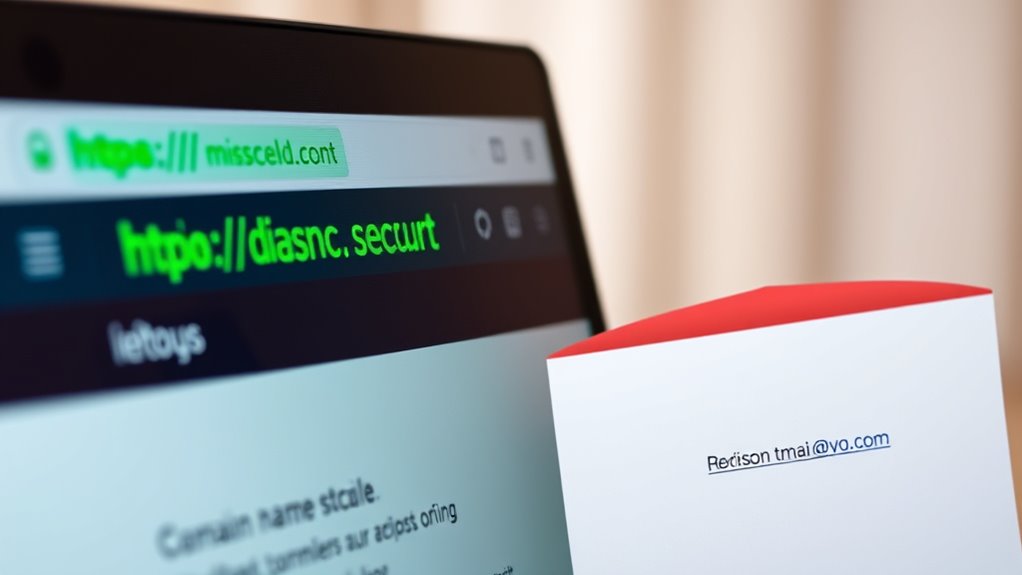
Detecting spoofed contact details and fake websites requires vigilance and a keen eye for inconsistencies. Start by carefully inspecting email addresses, URLs, and phone numbers. Look for subtle misspellings, unusual domain extensions, or mismatched branding that doesn’t match official sources. Hover over links to see the actual URL before clicking—scammers often hide malicious sites behind legitimate-looking links. Verify contact details through official websites or trusted directories instead of relying on the information provided in suspicious messages. Be cautious of websites with poor design, misspellings, or missing contact information. Always type official website addresses directly into your browser rather than clicking links. Additionally, understanding personal development principles can help you stay focused on authentic sources and avoid distractions from scams. Being aware of common scam tactics such as fake emails or cloned websites further enhances your ability to identify fakes and avoid falling victim to scams that use spoofed contact details and counterfeit websites. Recognizing website security features, such as HTTPS, can also provide clues about a site’s legitimacy and help protect your personal information. Scammers often employ sound design techniques like realistic audio cues or convincing visuals to appear more legitimate, so stay alert to these subtle cues. Recognizing patterns in AI-driven tactics used by scammers can also improve your detection skills.
As an affiliate, we earn on qualifying purchases.
Identifying Unusual Payment Requests and Methods
Impersonators often ask for payments through unusual methods to make their scams more convincing. They frequently push for gift cards, wire transfers, or cryptocurrencies, claiming these are the fastest or safest options. Be wary if someone insists on these methods, especially if they pressure you to act immediately. Legitimate organizations rarely demand payment via gift cards or cryptocurrency. They might suggest traditional methods like checks or direct bank transfers, but only after verifying your identity. Scammers also may create fake payment portals or direct you to malicious links that steal your information. Always question unusual payment requests, and never send money without confirming the legitimacy through official channels. Remember, a trusted organization won’t pressure you into quick decisions or obscure payment methods.
Verifying Claims of Criminal Activity or Legal Action

When scammers claim you’re involved in criminal activity or facing legal action, they often create a sense of fear to pressure you into compliance. To verify their claims, don’t rely on the contact details they provide. Instead, follow these steps:
Scammers use fear to pressure you—verify claims with official agency contacts, not their details.
- Hang up and contact the official agency directly using verified phone numbers or websites.
- Ask for official documentation or case numbers, but don’t share personal info until confirmed.
- Check for inconsistencies in their story, such as unprofessional language or incorrect details.
- Search online for recent scam alerts from the agency they claim to represent.
Recognizing Fake Technical Support and Security Alerts
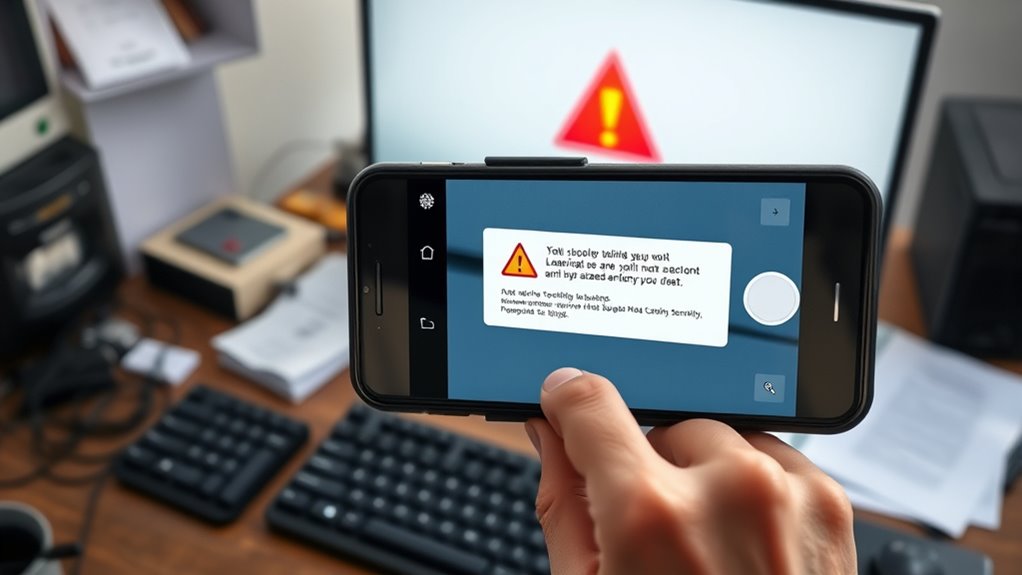
Fake technical support and security alerts often appear convincing by mimicking legitimate messages from well-known tech companies, but they’re designed to trick you into revealing personal information or installing malware. These alerts often display alarming messages like “Your computer is infected” or “Suspicious activity detected,” urging immediate action. They may include official-looking logos, fake contact numbers, or links that seem legitimate. However, no reputable company would pressure you to call a number or share passwords right away. Always verify any alert through official channels—avoid clicking on links or downloading attachments from unsolicited messages. Remember, legitimate companies don’t demand urgent actions or payments without prior notice. Recognizing these tactics helps you avoid falling victim to scams that seek to exploit your fears.
Being Wary of Personal Information and Remote Access Requests

Be cautious about sharing your personal details, especially when you didn’t initiate the contact. Scamsters often ask for remote access to your devices, claiming they need to fix a problem, but it’s usually a trap. Always verify the request with the official organization before providing any information or granting access.
Guard Personal Details
Impersonation scammers often seek personal details or remote access to your devices to gain control or steal information. You must be cautious when sharing your data. Here are key tips to guard your details:
- Never share passwords, Social Security numbers, or banking info unless you’re certain of the identity.
- Avoid clicking on links or opening attachments from unknown or unexpected sources.
- Be suspicious of anyone asking for remote access to your computer or device; legitimate companies rarely do this unsolicited.
- Verify requests by contacting organizations directly through official channels before providing any personal information or granting access.
Staying vigilant helps prevent scammers from exploiting your personal details. Remember, legitimate entities won’t pressure you into quick decisions or demand sensitive info without proper verification.
Question Remote Access Prompts
Scammers often prompt you to grant remote access to your devices, claiming they need to fix a problem or verify your account. They might insist that they can diagnose issues or enhance security by taking control of your computer or phone. Never agree to share remote access unless you’re sure of the person’s identity and legitimacy. Genuine companies or technicians don’t push for remote access unsolicited or demand passwords upfront. Be wary of anyone who tries to rush you into granting access or asks for personal information first. Instead, verify their identity through official channels. Remember, granting remote access gives scammers control over your device, enabling them to steal sensitive information, install malware, or lock you out entirely. Always think twice before accepting such prompts.
Verify Before Sharing
Before sharing personal information or granting remote access, ensuring the legitimacy of the request is vital. Scammers often pose as trusted sources to trick you into revealing sensitive data or giving control of your devices. To stay safe, consider these steps:
- Confirm the identity of the caller or sender through official contact channels.
- Never share passwords, Social Security numbers, or bank details without verification.
- Be cautious of unsolicited requests for remote access, even if they seem urgent.
- Look out for signs of impersonation, like suspicious email addresses or unusual language.
Always pause and verify before acting. Legitimate organizations won’t pressure you into sharing personal info or granting remote access on the spot. Protect yourself by staying diligent and skeptical.
Understanding the Use of Deepfake Audio and Video

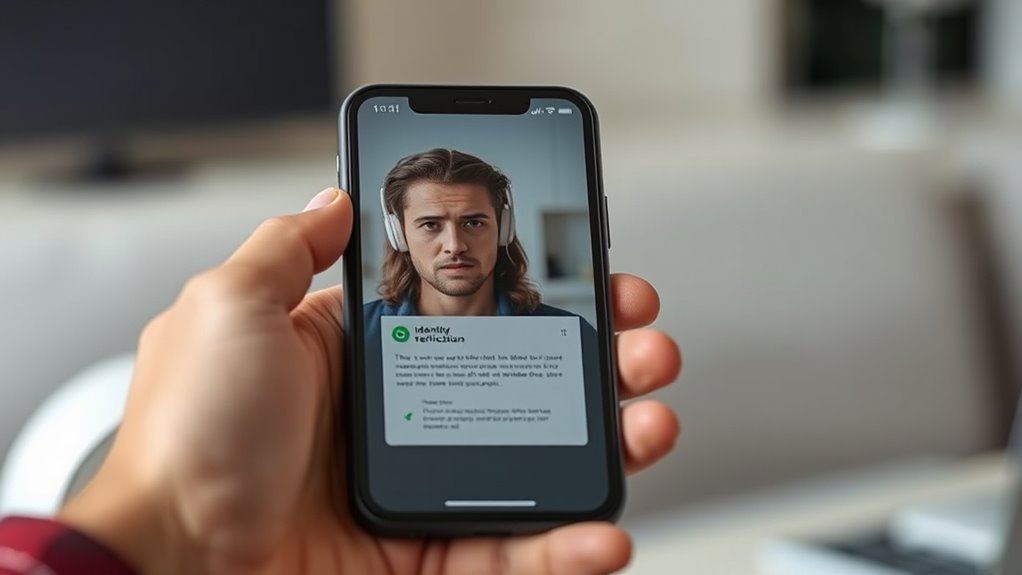
Deepfake audio and video have become powerful tools for impersonation scams, allowing fraudsters to convincingly mimic the voices and appearances of trusted individuals. This technology can produce realistic, high-quality clips that make it hard to distinguish between real and fake. Scammers use deepfakes to impersonate bosses, family members, or officials, increasing the scam’s credibility. They might issue urgent demands, such as transferring money or sharing sensitive information, exploiting the emotional response generated by the convincing media. To spot deepfakes, look for inconsistencies in facial movements, unnatural voice tone, or mismatched lip-sync. Remember, legitimate organizations or individuals rarely communicate urgent requests through video or audio alone—always verify through official channels before acting.
Frequently Asked Questions
How Can I Confirm if a Scam Message Is Truly From a Government Agency?
To confirm if a message is truly from a government agency, don’t rely on contact details they provide. Instead, look up the official phone number or website directly. Call or check the agency’s official channels to verify the request. Be cautious of urgent threats or demands for payment, and never share personal info or send money without confirming authenticity. Government agencies typically don’t pressure you for immediate payments or sensitive details.
What Are the Signs of a Fake Official ID or Credential?
A fake official ID is like a cheaply printed costume—bright but flimsy. Check for uneven fonts, blurry images, and inconsistent logos. Real IDs have holograms, watermarks, and precise embossing that are hard to fake. Scrutinize the details; scammers often miss tiny elements. If something feels off—like a shadow behind the photo or mismatched colors—trust your instincts and verify with the issuing agency before taking any action.
How Do Scammers Spoof Contact Details and Websites Effectively?
Scammers spoof contact details and websites by using fake email addresses that closely resemble legitimate ones, often with slight misspellings or added characters. They also create convincing websites that mimic real organizations, complete with logos and similar URLs. To avoid falling for this, always verify contact info through official sources, check website URLs carefully, and be cautious of unsolicited messages asking for personal details or payments.
What Legitimate Reasons Might a Company Request Remote Access?
You might wonder why a legitimate company asks for remote access. They do this to troubleshoot issues, install updates, or provide personalized support efficiently. Sometimes, they need to access your device to fix errors or improve performance. Always verify the request through official channels before granting access. Remember, reputable companies won’t pressure you or ask for remote access without proper identification and a valid reason.
How Can I Tell if a Deepfake Audio or Video Is Real?
You can tell if a deepfake audio or video is real by paying close attention to inconsistencies or unnatural movements. Listen for odd pauses, voice mismatches, or unnatural speech patterns. Watch for irregular blinking or facial expressions that don’t match the spoken words. Use tools or apps designed to detect deepfakes, and verify suspicious content by cross-checking with trusted sources or official channels before trusting what you see or hear.
Conclusion
By staying alert to these common impersonation scam lies, you can outsmart scammers before they even get close. Trust your instincts and double-check suspicious details—don’t let fake threats or fake tech support pull you into their trap. Remember, scammers are like sneaky magicians trying to pull a fast one on you. Stay vigilant, keep your info safe, and you’ll be the hero in your own cybersecurity story!
Fall Picks
fall essentials
As an affiliate, we earn on qualifying purchases.