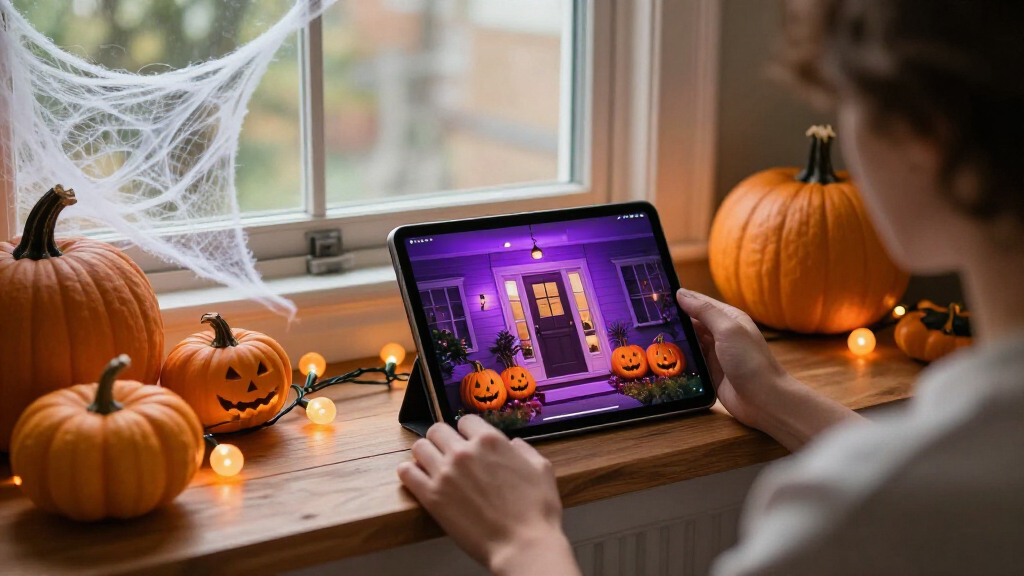

🔍 Read the full analysis: Make Halloween Decorating More Creative With AI on ThorstenMeyerAI.com

Get smart everyday buys delivered free with Prime
- Fast, free delivery on millions of items
- Prime Video, Amazon Music and more included
- Member-only deals all year
TL;DR
AI can add custom visuals, generated dialogue or responsive effects to Halloween displays, but the label does not always mean a decoration uses artificial intelligence. Some products rely on motion sensors and prerecorded audio. Check capabilities, privacy settings and offline behavior, and test each effect for timing and safety.
A ThorstenMeyerAI.com guide outlines how artificial intelligence can add custom visuals, voices and responsive effects to Halloween decorations, while warning that some props marketed as AI use only motion sensors and prerecorded audio. The distinction can affect what a display does, how much setup it needs and whether it depends on an internet connection.
The guide defines AI-powered decor as using artificial intelligence for tasks such as generating media, recognizing speech or adapting a character’s response. A gargoyle that plays the same growl when someone approaches is sensor-triggered automation. One that uses speech tools to answer a visitor adds a responsive feature. Both may suit a display, but they offer different capabilities.
For a connected scene, a creator might pair a generated portrait with a speaker and a smart bulb that changes color when guests arrive, much like displays at haunted attractions. That coordination can add atmosphere, but the guide notes that an online dependency can disrupt timing if the connection fails. A local recording or simple lighting cue can provide a fallback.
The guide recommends starting with one clear visitor experience, then choosing the content, trigger and output to support it. Generated images, audio and dialogue should be reviewed and edited. Their licenses may also limit commercial use or sharing. More elaborate builds can require coding and additional troubleshooting; adding effects without a clear purpose can create conflicting triggers or delays.
A motion-triggered recording is automation; AI usually means a system generates or interprets content.
Use generated art, voices, or dialogue to personalize a scene, then review the results and usage terms.
Plan one clear visitor moment before choosing sensors, lights, speakers, or controllers.
Test offline behavior, sensor timing, audio, cable placement, and outdoor protection before Halloween night.
Tell visitors when a display processes faces or voices, limit collection, and provide a way to pass without interacting.
Check the Features Behind the Label
For shoppers and home decorators, knowing whether a product generates or adapts content helps set expectations about its flexibility, setup and reliability. A prerecorded shriek can provide a jump scare; an interactive character can enable an exchange with guests. The guide cautions that marketing descriptions may not clearly identify which capabilities a device uses, and that product details can change.
Connected features also raise practical questions. Speech recognition can struggle in noisy settings, while image analysis may involve privacy concerns. Before buying or installing a device, check whether it processes information locally or sends it to an online service, and review its privacy settings. The guide does not cite particular products or compare prices, so consumers will need to check current manufacturer information.
From Motion Triggers to Responsive Props
Halloween props have long used simple triggers: a motion detector starts a fixed sound or movement. The guide separates that familiar automation from AI features such as generated art, speech recognition and variable dialogue. The distinction is about what the system does after it is triggered, not whether the resulting scare is effective.
Its suggested planning sequence is to choose a visitor-facing moment, create and review the content, select a trigger and output, then test the scene. A single cue may be easier for guests to notice than several competing sounds and lights. The guide also advises testing from the visitor’s point of view and keeping the audience and setting in mind when reviewing generated material.
“A motion sensor that triggers a prerecorded shriek is ordinary automation; the guide distinguishes it from features that use AI.”
— ThorstenMeyerAI.com guide
Product Capabilities Vary
The guide does not identify specific products, verify their current features or provide pricing. It says marketing language may not make clear which capabilities a device uses and advises checking current product details and privacy settings before buying. It also does not establish how individual devices handle voice or image data, whether features work offline, or how reliably they operate in a busy Halloween setting.
Generated media can require editing, and licensing terms may restrict commercial use or sharing. The guide does not specify what rights apply to any particular image, voice or tool; users would need to review the relevant terms.
Test the Scene Before Halloween
The guide’s practical next step is to build and test the scene before visitors arrive. Start with one intended moment, confirm which parts run locally and which rely on a service, and check that the trigger, audio and lighting work together. Keep a simple fallback cue available if a networked feature stalls, and review the content, privacy settings and licensing for the tools used.
For anyone considering a purchase, the next check is the manufacturer’s current description of features, availability, pricing and data handling. Those details can change, and the guide does not make product-specific recommendations.
Key Questions
What makes a Halloween decoration AI-powered?
It uses AI for a task such as creating media, recognizing speech or adapting a response. A sensor that triggers the same recording is ordinary automation by itself.
Can AI Halloween effects work without internet access?
It depends on the product and feature. The guide advises checking what runs locally and what depends on an online service; a local recording or light cue can serve as a fallback.
What should I check before buying an AI decoration?
Check its actual capabilities, current price and availability, privacy settings, and whether it sends data to an online service. Product details may change, so consult current manufacturer information.
How can I make an AI Halloween display easier to manage?
Plan one clear scene, add only the effects that support it, review generated content and test the timing from a visitor’s perspective. More connected effects can mean more setup and troubleshooting.
Source: ThorstenMeyerAI.com
Halloween Picks
halloween
As an affiliate, we earn on qualifying purchases.