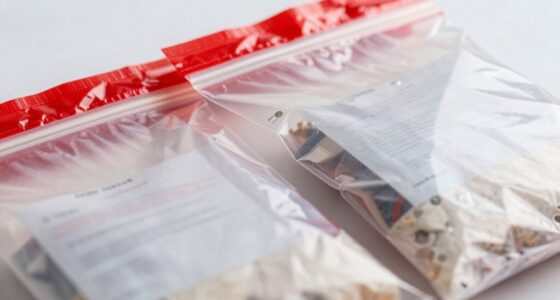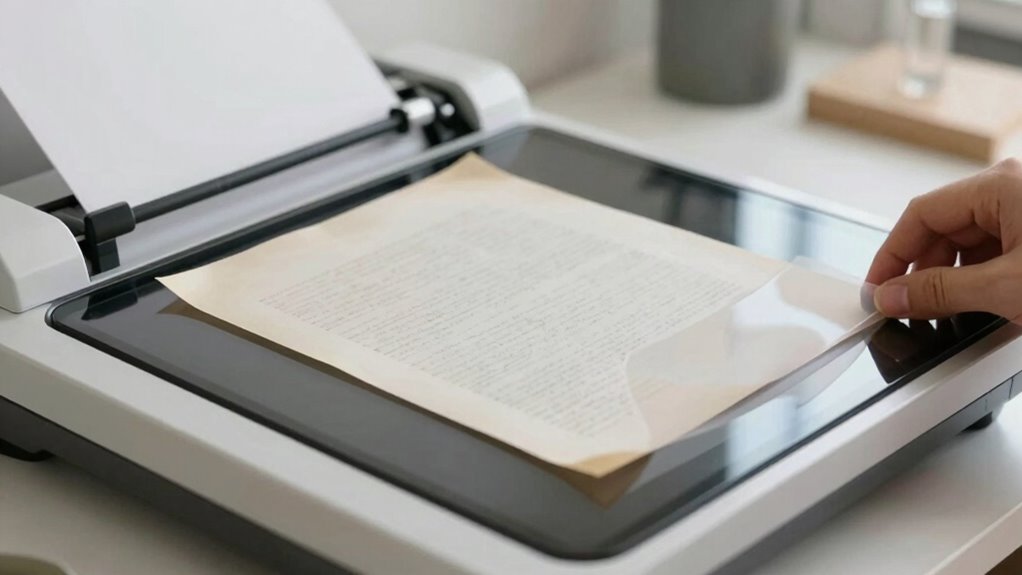

To protect faded paper records during digitization, choose a dedicated scanner with gentle feeding mechanisms and adjustable settings. Look for features like low-light illumination, adjustable resolution, and color correction to prevent further damage and capture accurate images. Handle fragile documents carefully, using gloves and proper support, and guarantee they’re flat before scanning. Implementing these steps helps preserve your records while obtaining high-quality digital copies—keep exploring for more tips to safeguard your valuable documents.

Get smart everyday buys delivered free — and shop member deals
- Fast, free delivery on millions of items
- Access to Prime Big Deal Days deals on October 6–7
- Prime Video, Amazon Music and more included
Key Takeaways
- Use a dedicated scanner with adjustable settings to prevent damage during digitization.
- Handle fragile records with gloves and gentle techniques to avoid further deterioration.
- Adjust scanner resolution and brightness to capture details without risking fading or tearing.
- Employ gentle feeding mechanisms and light sources designed for delicate documents.
- Enhance digital images afterward with software to improve readability without risking the original record.
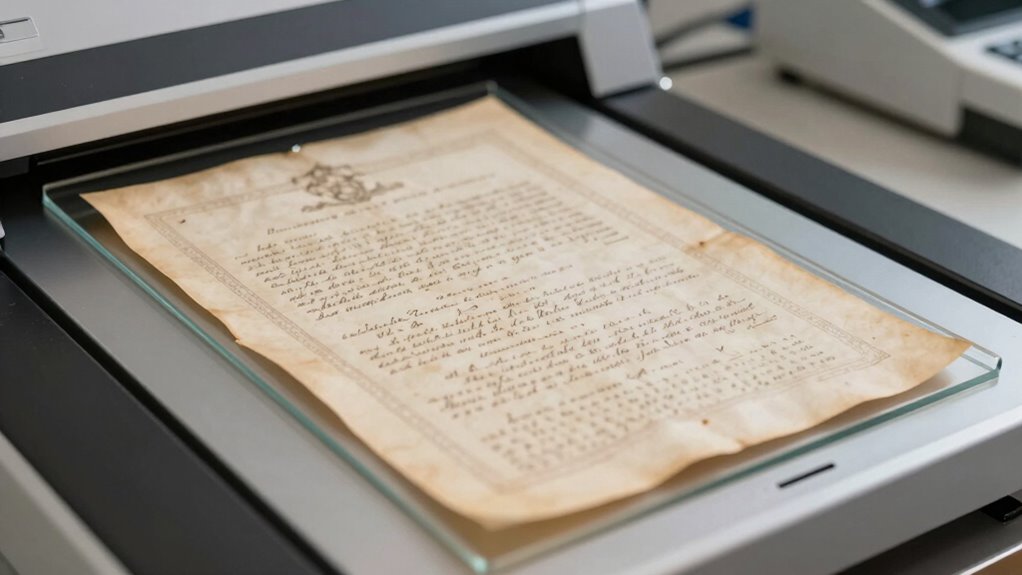
If you’re looking to preserve and digitize old records, a dedicated scanner can make the process quick and efficient. When dealing with fragile, faded documents, the right scanner becomes more than just a tool—it’s an essential part of protecting your historical materials. These scanners often come with features designed specifically for handling delicate paper, such as adjustable resolution, gentle feeding mechanisms, and color correction options. Using a quality scanner helps prevent further deterioration during the digitization process and guarantees you capture the details needed for future reference.
A dedicated scanner with adjustable settings protects fragile documents while capturing detailed, high-quality digital copies.
To safeguard your faded paper, it’s imperative to apply proper restoration techniques before scanning. This might include carefully cleaning documents to remove dust or debris, and gently flattening curled or warped pages to avoid distortions. Some scanners are equipped with built-in light sources that minimize the risk of damage caused by excessive exposure to bright light. Additionally, adjusting the scanner’s settings—such as reducing the brightness or contrast—can help prevent further fading of your records. You want to produce high-resolution images that faithfully represent the original, without exacerbating their fragile condition. Considering restoration techniques can significantly improve the quality of your digital copies and extend their lifespan. Employing proper handling practices is also crucial for maintaining the integrity of fragile documents during the scanning process. Using the right equipment designed for delicate materials can further reduce the risk of damage during digitization.
Once digitized, proper archival storage becomes essential to protecting your records long-term. Digital copies are invaluable, but physical preservation still plays a key role. Store your original documents in acid-free folders and boxes, kept in a cool, dry environment away from direct sunlight. Avoid humid or fluctuating temperatures, which can accelerate deterioration. When handling the documents, wear gloves to prevent oils or dirt from transferring onto the paper. Digitized files should be backed up across multiple locations and stored in secure, accessible formats to guarantee their longevity. This way, you provide a layered approach to preservation—combining careful physical storage with digital backups. Implementing digital preservation standards helps ensure your digital records remain accessible over time.
In addition, using specialized image editing software can improve the clarity of your scanned records without risking damage to the originals. Techniques like color correction, contrast adjustment, or removing spots and stains help enhance readability. Employing digital enhancement methods can significantly improve the quality of your digital copies and ensure their usefulness over time. It’s also beneficial to regularly review and update your backup systems to adapt to evolving technology standards. By applying these digital restoration techniques, you extend the lifespan of your old records and make them more accessible for research or display.
Choosing the right scanner and employing thoughtful preservation practices ensures your old records are protected and preserved for generations. You get the benefit of high-quality digital copies, improved accessibility, and a sustainable way to keep your historical materials intact. With careful handling, the right equipment, and proper storage, you can confidently digitize even the most delicate papers, safeguarding their history while making them easier to share and enjoy.
dedicated document scanner for fragile records
As an affiliate, we earn on qualifying purchases.
As an affiliate, we earn on qualifying purchases.
Frequently Asked Questions
What Are the Best Types of Scanners for Delicate Old Records?
You should choose archival quality flatbed scanners for delicate old records. These scanners offer gentle, even light exposure that minimizes damage and preserves fading details. Look for models with high resolution and adjustable settings to avoid unnecessary pressure on fragile paper. Using a flatbed scanner guarantees the records stay flat and intact during digitization, helping you capture every detail without risking further deterioration.
How Can I Prevent Ink From Smudging During Digitization?
Think of ink as a shy artist, hesitant to move too quickly. To prevent smudging during digitization, guarantee the ink has dried completely before scanning. Use gentle, even pressure, and opt for a scanner with a gentle, non-contact method. Adjust settings for low resolution and avoid touching the paper during the process. This way, you’ll keep the ink dry and smudge prevention at the forefront, preserving your delicate records beautifully.
Is It Necessary to Restore Faded Records Before Scanning?
You should consider restoring faded records before scanning to guarantee clarity and archival preservation. Restoration techniques like gentle cleaning, deacidification, and digital enhancement can improve readability and protect the original document’s integrity. By restoring these records, you prevent further deterioration and make digitization more effective. Proper restoration also aids in long-term preservation, ensuring future access without risking damage to the fragile, faded paper.
What Environmental Conditions Are Ideal for Scanning Old Paper?
You should scan old paper in a controlled environment with proper archival storage and temperature control. Keep the room cool, dry, and free from direct sunlight, which can cause further fading. Maintain stable temperatures and humidity levels to prevent deterioration. Using archival storage materials helps protect the documents during handling. These conditions minimize damage, ensuring your scans are clear and the original records remain preserved over time.
How Long Should I Wait Between Scans for Fragile Documents?
You should wait at least one to two minutes between scans to handle delicate surfaces carefully. This pause allows you to use proper cleaning techniques, like gentle brushes or soft cloths, to remove dust or debris without risking damage. Handling fragile documents with care during this interval prevents tears or further deterioration. Taking your time guarantees each scan captures the details while preserving the integrity of the old, faded paper.
adjustable resolution scanner for old documents
As an affiliate, we earn on qualifying purchases.
As an affiliate, we earn on qualifying purchases.
Conclusion
When digitizing old records, remember that your goal isn’t just to preserve history but to safeguard it. By choosing the right scanner and handling fragile papers with care, you become the guardian of stories that might otherwise fade into oblivion. Think of your efforts as a delicate dance—each careful move ensures these treasured documents survive for generations to come. So, handle each record with respect, and let your meticulous efforts echo through time.
scanner with gentle feeding mechanism
As an affiliate, we earn on qualifying purchases.
As an affiliate, we earn on qualifying purchases.
color correction scanner for faded papers
As an affiliate, we earn on qualifying purchases.
As an affiliate, we earn on qualifying purchases.
Fall Picks
fall essentials
As an affiliate, we earn on qualifying purchases.