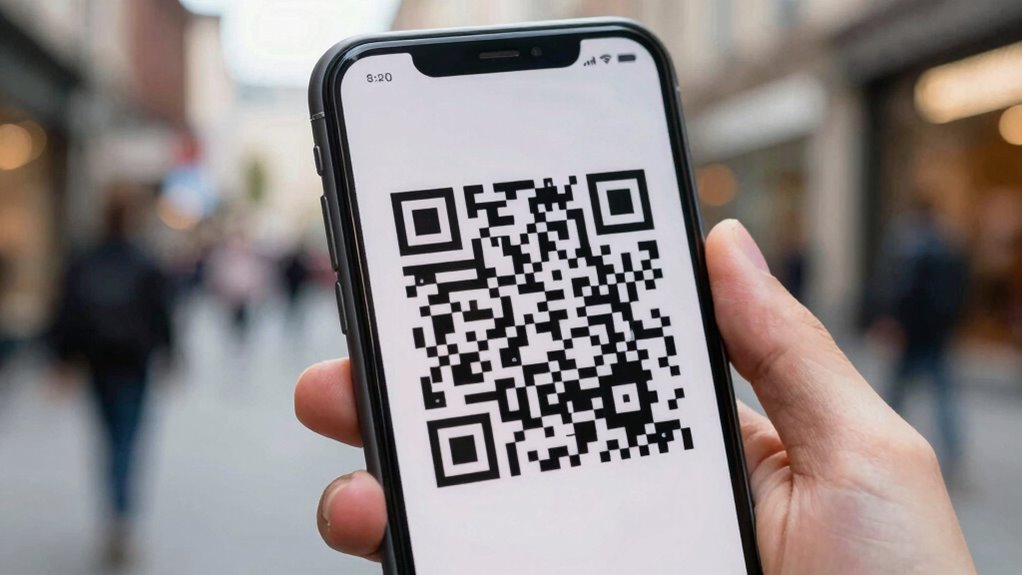

QR code scams can secretly steal your personal information by convincing you to scan malicious codes in fake or suspicious locations. Once scanned, these codes can lead you to fake websites or trigger malware downloads that access your phone number, email, or payment details without your knowledge. Scammers can then use this info for identity theft, fraud, or further scams against your contacts. Keep going to discover simple ways to protect yourself from these stealthy threats.

Get smart everyday buys delivered free — and shop member deals
- Fast, free delivery on millions of items
- Access to Prime Big Deal Days deals on October 6–7
- Prime Video, Amazon Music and more included
Key Takeaways
- Scammers embed malicious links in QR codes to direct users to fake websites that steal personal data.
- Scanning compromised QR codes can trigger automatic downloads of malware that access sensitive device information.
- Fake QR codes in public places can redirect users to phishing pages designed to collect personal and financial details.
- Malicious QR codes can prompt users to enter personal info on fake login or payment pages.
- Personal information can be exploited for identity theft, fraud, or targeted scams after scanning harmful QR codes.
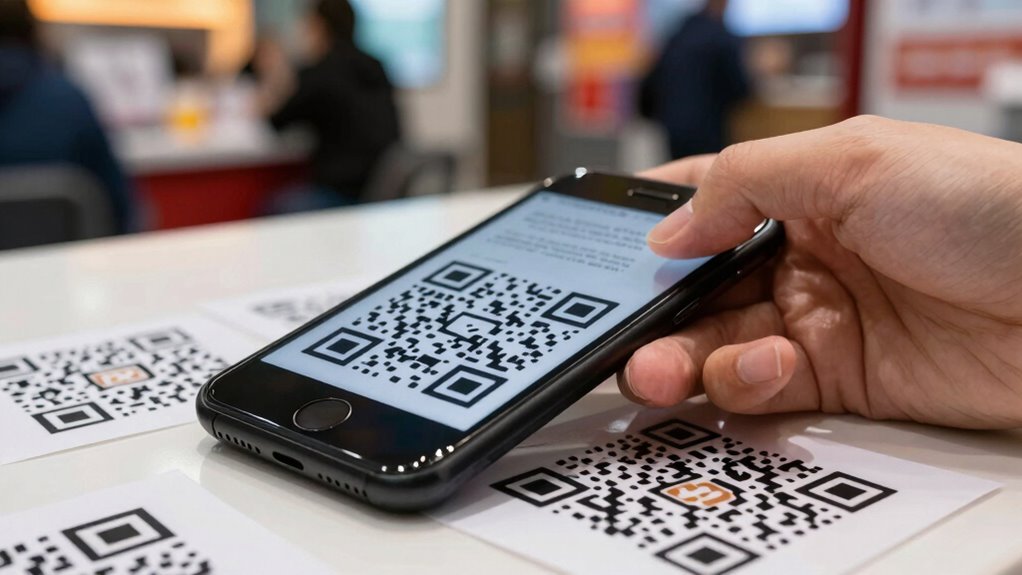
In today’s digital landscape, QR codes have become a convenient way to access links, payments, and personal information, but they also pose notable security risks. When you scan a harmful QR code, you might unknowingly expose sensitive data, such as your phone number, email address, or payment information. Cybercriminals can use this data for identity theft, unauthorized transactions, or targeted phishing attacks. They may also install malware on your device, which can record keystrokes or access your contacts and files without your knowledge. This breach of digital privacy can have long-lasting consequences, affecting your reputation, finances, and personal security. The risk isn’t limited to direct financial loss; scammers can also use your information to craft convincing scams against your contacts, further spreading the threat.
To protect yourself, it is crucial to remain vigilant and adopt scam prevention strategies. Always verify the source of a QR code before scanning—it should come from a trusted entity or a verified source. Be cautious of QR codes in unfamiliar or suspicious locations, especially if they’re placed in high-traffic areas or on unsolicited emails. Use a QR code scanner app that previews the URL before opening it, so you can check if it looks legitimate. Avoid entering any personal information or making payments through a QR code unless you’re sure of its authenticity. Regularly update your device’s security settings and keep your software current to defend against malware and exploits. Additionally, understanding how QR codes are generated can help you recognize fake or malicious codes more easily. Familiarizing yourself with the science behind sound vibrations in sound healing can also enhance your overall awareness of how subtle signals influence health and safety. Knowing the landscape of backyard transformations can also give you insights into how environments can be designed with security in mind. Being aware of the value of brand reputation in the context of trusted sources can further help you avoid falling victim to scams.
Understanding how QR code scams work is key to maintaining your digital privacy. Always question the authenticity of the code and the context in which it appears. Remember, scammers rely on your trust and lack of awareness to succeed. By staying cautious and practicing scam prevention techniques, you can enjoy the convenience QR codes offer without falling victim to the malicious schemes designed to steal your personal information. Protecting your digital privacy requires vigilance, but with the right habits, you can greatly reduce your risk of falling prey to QR code scams.
QR code scanner app with URL preview
As an affiliate, we earn on qualifying purchases.
As an affiliate, we earn on qualifying purchases.
Frequently Asked Questions
How Can I Verify a QR Code’s Authenticity Before Scanning?
To verify a QR code’s authenticity, check for signs of secure QR code encryption and digital watermarking. Look for codes from trusted sources, and if possible, verify the website’s URL before scanning. Use a reputable QR scanner app that warns about suspicious codes. Avoid scanning codes in strange locations or from unknown senders. These steps help guarantee the QR code isn’t tampered with and reduces your risk of scams exposing personal information.
Are Certain Devices More Vulnerable to QR Code Scams?
Think of certain devices as open doors—more vulnerable to QR code scams due to device vulnerabilities and scanning limitations. For instance, older smartphones may lack updated security features, making them prime targets. Scanning on such devices increases the risk of malicious links or data breaches. Always verify your device’s software is current and use trusted QR code scanners to minimize these vulnerabilities and protect your personal info.
What Signs Indicate a QR Code Might Be Malicious?
You can spot a malicious QR code if it looks suspicious or out of place, like being placed over legitimate ones. Beware if the QR code prompts you to share sensitive info or download apps unexpectedly. These signs often indicate phishing tactics or malware distribution. Always verify the source before scanning, and avoid codes in shady locations to protect your personal information from scammers.
Can QR Code Scams Occur Even With Trusted Sources?
Yes, QR code scams can happen even with trusted sources. Scammers may create a fake code that appears legitimate, but when you scan it, it leads to a phishing link designed to steal your personal information. Always verify the source before scanning, especially if the code looks tampered with or suspicious. Even trusted brands can be compromised, so stay cautious and avoid clicking on unexpected links.
How Often Should I Update My Phone’s Security Settings?
You should update your phone’s security settings regularly, ideally every few months. This includes changing your passwords to keep accounts secure and reviewing app permissions to limit access to personal information. Frequent updates help protect against QR code scams and other threats, especially if new security features are released. Staying vigilant and maintaining current security practices minimizes the risk of exposing personal data through malicious QR codes or compromised apps.
mobile malware protection software
As an affiliate, we earn on qualifying purchases.
As an affiliate, we earn on qualifying purchases.
Conclusion
You should be aware that over 11 million Americans have fallen victim to QR code scams, exposing personal details and risking identity theft. Always double-check the source before scanning, and avoid codes in suspicious or untrusted locations. Staying vigilant can save you from becoming the next statistic. Remember, a quick scan might seem harmless, but it could lead to serious privacy breaches. Stay cautious and protect your personal info from sneaky scammers.
As an affiliate, we earn on qualifying purchases.
As an affiliate, we earn on qualifying purchases.
Fall Picks
fall essentials
As an affiliate, we earn on qualifying purchases.