
A secure laptop for remote investigations protects your sensitive data through advanced encryption protocols that keep information unreadable to outsiders. It also features hardware safeguards like Trusted Platform Modules and biometric authentication to restrict access and verify integrity. Physical security features such as tamper-evident seals and self-encrypting drives further shield against tampering. Combining these elements creates a layered defense, making your device resilient against both electronic and physical threats—discover how each layer works to keep your investigation safe.

Get smart everyday buys delivered free with Prime
- Fast, free delivery on millions of items
- Prime Video, Amazon Music and more included
- Member-only deals all year
Key Takeaways
- Implement full-disk encryption to protect data at rest from unauthorized access.
- Incorporate hardware security modules like TPMs and biometric authentication for secure access.
- Use tamper-evident physical security features to detect and prevent tampering attempts.
- Ensure secure boot processes verify system integrity during startup.
- Adopt layered security strategies combining encryption, hardware safeguards, and physical protections.
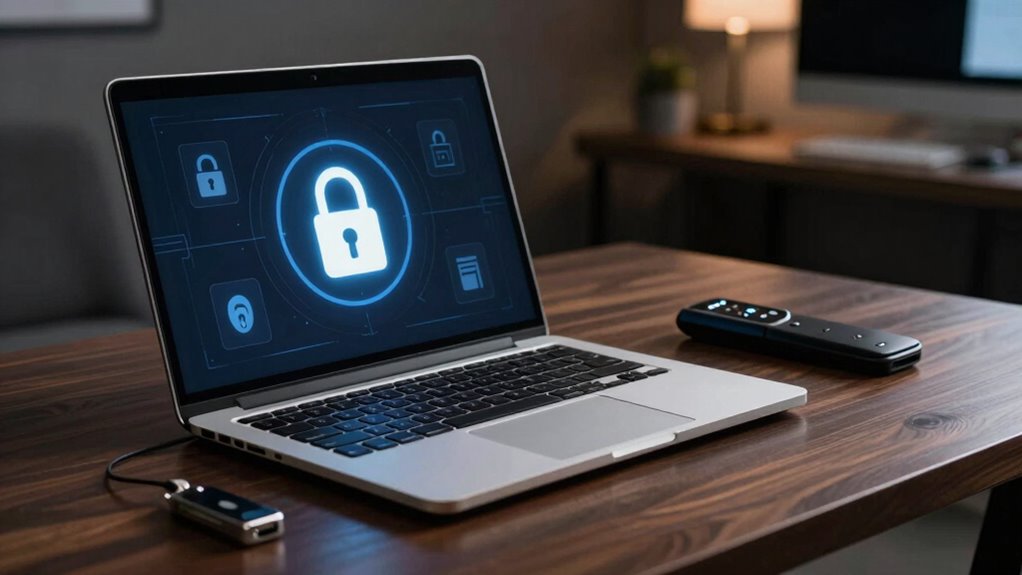
When conducting remote investigations, having a secure laptop isn’t just a convenience—it’s a necessity. You need to protect sensitive data from unauthorized access, which means choosing a device designed with security at its core. The foundation of this security lies in robust encryption protocols. These protocols guarantee that any data you transmit or store on your device remains unintelligible to outsiders. For example, using full-disk encryption means that even if your laptop falls into the wrong hands, the stored information remains protected by strong cryptographic algorithms. Additionally, secure communication channels, like VPNs with advanced encryption standards, help safeguard your online activities from interception. These layers of encryption create an impenetrable barrier that keeps your investigation data confidential.
But encryption isn’t the only safeguard to think about. Hardware safeguards are equally essential in establishing a secure environment. A secure laptop should include features like Trusted Platform Modules (TPMs), which securely store cryptographic keys and authenticate hardware integrity. This prevents tampering and unauthorized modifications to your device’s firmware or hardware components. Biometric authentication methods, such as fingerprint scanners or facial recognition, add another layer of security, ensuring only authorized personnel gain access. You should also look for hardware-level protections like secure boot, which verifies the integrity of your operating system during startup, preventing malware or rootkits from loading before your OS boots up. These hardware safeguards work seamlessly with your software defenses to create a multi-layered security approach. Incorporating hardware-level protections is crucial for a comprehensive security strategy.
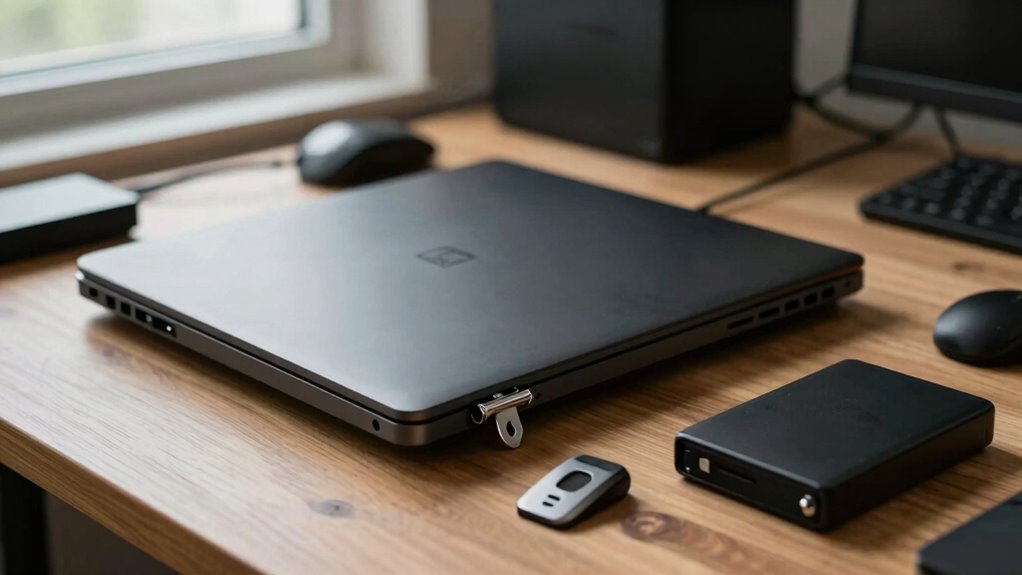
Furthermore, a secure laptop for remote investigations should have physical security features. Consider devices with tamper-evident seals or chassis designs that alert you to unauthorized access attempts. You might also opt for laptops with self-encrypting drives (SEDs), which automatically encrypt data at the hardware level and require a unique key for access. Combining these hardware features with encryption protocols helps ensure comprehensive protection against both physical and electronic threats. Implementing layered security measures makes it considerably more difficult for attackers to compromise your device physically or electronically. Additionally, selecting a laptop with security-focused hardware can further enhance its resilience against physical tampering.
Ultimately, the safest laptops for remote investigations are those built with security as a priority. They integrate advanced encryption protocols, hardware safeguards, and physical security features into a cohesive system that defends your sensitive information at every point. By choosing a device with these elements, you’re not just protecting your data—you’re safeguarding the entire investigation process from potential breaches. In the high-stakes world of remote investigations, a secure laptop isn’t just an asset; it’s your most vital tool for maintaining integrity and confidentiality.
secure laptop with TPM and biometric authentication
As an affiliate, we earn on qualifying purchases.
As an affiliate, we earn on qualifying purchases.
Frequently Asked Questions
How Often Should Security Updates Be Installed on Investigative Laptops?
You should install security updates on investigative laptops as soon as they become available. Regularly updating firmware and software helps protect against vulnerabilities. Keep your password management system strong and current, and don’t delay updates that patch security flaws. By staying proactive and applying updates promptly, you reduce risks of cyber threats and guarantee your investigative tools remain secure and reliable during remote operations.
What Encryption Methods Are Most Effective for Securing Remote Investigation Data?
Did you know that AES-256 encryption is used by 70% of government agencies for data protection? It’s highly effective for securing remote investigation data because it adheres to top encryption standards. AES-256 encrypts information with 256-bit keys, making unauthorized access nearly impossible. By using this standard, you guarantee your investigative data remains confidential and protected against cyber threats, giving you peace of mind during remote operations.
Are There Specific Hardware Features That Enhance a Laptop’s Security?
Yes, certain hardware features enhance your laptop’s security. Hardware encryption, like self-encrypting drives, protects your data even if the device is stolen. Biometric security, such as fingerprint scanners or facial recognition, adds an extra layer of protection, ensuring only authorized users access sensitive information. Combining these features makes your laptop more secure for remote investigations, reducing risks of unauthorized access and data breaches.
How Can Investigators Prevent Physical Tampering With Their Devices?
You can prevent physical tampering by using hardware locks, which secure your laptop to a fixed object, making theft or removal difficult. Additionally, apply tamper-evident seals to ports, screws, or access panels; these seals reveal signs of interference, alerting you to potential tampering. Regularly inspect these seals and locks during investigations to guarantee your device remains secure, safeguarding sensitive data from unauthorized access or manipulation.
What Training Is Recommended for Maintaining Laptop Security During Investigations?
An ounce of prevention is worth a pound of cure. To maintain laptop security during investigations, you should undergo training on device encryption and access controls. Learn how to enable full-disk encryption, set strong passwords, and manage user permissions. Regularly update your software and recognize phishing attempts. Staying vigilant and well-trained guarantees you protect sensitive data, keeping your investigation secure and your device resilient against threats.
laptop with full disk encryption
As an affiliate, we earn on qualifying purchases.
As an affiliate, we earn on qualifying purchases.
Conclusion
A secure laptop is essential for remote investigations, protecting sensitive data from cyber threats. By choosing one with strong encryption, hardware security features, and regular updates, you considerably reduce risks. Did you know that 68% of cybersecurity breaches involve stolen or compromised credentials? Staying vigilant and investing in a dedicated, secure device keeps your investigations safer and more effective, ensuring your work remains confidential and protected from evolving cyber dangers.
As an affiliate, we earn on qualifying purchases.
As an affiliate, we earn on qualifying purchases.
Columbus Day / Indigenous Peoples' Day Picks
long weekend sales
As an affiliate, we earn on qualifying purchases.